

Care Circle Tool Selector
Find the best shared medication system for your family's needs
Recommended Solution:
Implementation Tip:
⚠️ Critical Reminder: Regardless of the tool chosen, always maintain a printed physical backup on the refrigerator to ensure safety during tech outages.
Enter your care details and click the button to see the recommendation.
Missing a single dose of medication might seem like a small mistake, but for many families, it's a high-stakes gamble. Medication non-adherence is a silent crisis, contributing to roughly 125,000 deaths annually in the US alone. When you're juggling work, kids, and the care of an aging parent or a sick relative, keeping track of complex drug regimens is overwhelming. This is where a shared medication calendar changes the game. It transforms a fragmented, stressful process into a coordinated team effort, ensuring the person you love gets the right dose at the right time, every time.
What Exactly is a Shared Medication Calendar?
At its core, Shared Medication Calendar is a digital coordination tool that allows multiple family members and professional caregivers to collaboratively manage medication schedules, appointments, and health tasks. Instead of one person carrying the entire mental load, the responsibility is spread across a "care circle."
These systems evolved as smartphones became universal, moving us away from the old-school paper charts taped to the fridge. Today, they range from simple shared schedules in general apps to highly specialized medical tools. The goal isn't just to set a timer; it's to create a safety net. By having real-time visibility, a daughter in another city can know that her father took his morning blood pressure meds, while a local home-health aide can mark a dose as "completed" to prevent a double-dose error.
Choosing the Right Tool for Your Care Circle
Not all calendars are built the same. Depending on your family's tech skills and the complexity of the medications, you'll want to choose between a general-purpose app or a specialized healthcare tool.
| Tool | Best For | Key Strength | Main Drawback |
|---|---|---|---|
| Google Calendar | Casual tracking | Universal access; free | No drug interaction alerts |
| Apple Calendar | iPhone-only families | Deep iOS/Health app integration | Poor Windows/Android support |
| Medisafe | Complex regimens | Interaction warnings for 650k+ drugs | Premium cost for full history |
| Caily | Full home coordination | Combines meds with household tasks | Occasional sync issues |
| CareZone | Pharmacy-heavy users | Automatic prescription import | Steeper learning curve for seniors |
If you only need a basic reminder and everyone in the family is tech-savvy, Google Calendar is a great start. However, if you're dealing with multiple prescriptions that could react poorly together, a specialized app like Medisafe is safer. Specialized apps are significantly more effective-studies from Johns Hopkins University show they can reduce missed doses by 47% compared to standard calendars because they offer targeted alerts and interaction checks.
Step-by-Step: Setting Up Your Shared System
A tool is only as good as the system behind it. If you just invite three people to a calendar without a plan, you'll end up with "notification fatigue" where everyone assumes someone else handled the dose.
- Hold a Family Coordination Meeting: Within 48 hours of starting, get everyone on a call. Decide who is responsible for which time slots. Don't just share the app; share the expectations.
- Appoint a "Calendar Captain": Designate one person to be the primary admin. This person handles updates when dosages change or new meds are added. Having a single point of truth reduces coordination failures by over 60%.
- Create a Dedicated Medication Layer: If using a general app, don't put meds on your personal calendar. Create a separate calendar named "Dad's Meds" or "Mom's Health." This protects privacy and prevents the schedule from becoming cluttered with grocery lists and doctor visits.
- Set "Buffer" Reminders: Don't set the alert for the exact time the pill needs to be swallowed. Set a reminder 15 to 30 minutes prior. This gives the caregiver time to get the water, find the pill organizer, and prepare the patient.
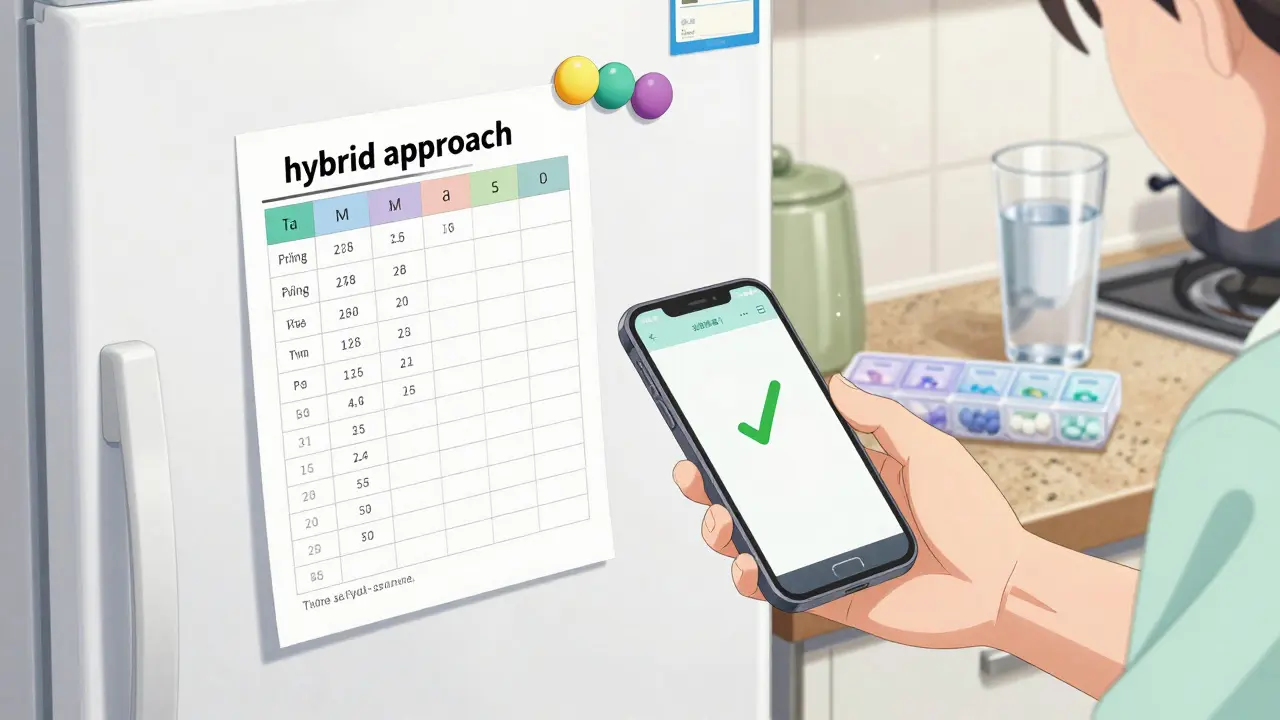
- Implement a Physical Backup: Technology fails. Batteries die, and Wi-Fi drops. Always keep a printed version of the current schedule in the kitchen or medicine cabinet. About 67% of the most successful care setups use this hybrid approach.
Avoiding the Common Pitfalls of Digital Care
It's easy to fall into a false sense of security. You see a checkmark on the app and assume everything is fine, but that's where risks hide. One major issue is "notification silencing." Many users accidentally put their phones on "Do Not Disturb" or silence the specific app, meaning the alert never rings. Regularly check that everyone's notifications are active.
Then there's the issue of medication reconciliation. A general calendar doesn't know that a new prescription for a blood thinner might interact dangerously with an existing supplement. This is why healthcare-specific tools are vital; they act as a second set of eyes. If you use a general calendar, you must manually verify every new medication with a pharmacist before adding it to the shared schedule.
Privacy is another sticking point. Many older adults feel uneasy about their children or extended family seeing every detail of their health. To handle this, use the "need-to-know" principle. Share the medication schedule with the primary caregivers, but keep detailed medical histories or sensitive diagnosis notes in a separate, more restricted folder or app.

The Human Side: Reducing Caregiver Burnout
Caregiving is an exhausting marathon. Between 40% and 70% of family caregivers experience burnout, which often leads to mistakes in medication administration. A shared calendar isn't just a clinical tool; it's an emotional support tool. When the burden of "remembering everything" is shared, the primary caregiver can breathe.
Instead of the primary caregiver feeling like they are failing if a dose is missed, the shared system allows for immediate intervention. For example, if a daughter sees that the 8:00 AM dose hasn't been checked off by 8:15 AM, she can send a quick text to the home-health aide to check in. This shifts the dynamic from policing to supporting.
Which app is best for people who aren't tech-savvy?
For those who struggle with complex interfaces, Google Calendar is often the easiest because many people already have a Gmail account. However, for the patient themselves, simple physical pill organizers combined with a caregiver using a specialized app like Medisafe is the most reliable combination.
How do I handle medications that need to be taken with food?
In the event description of your calendar entry, specifically write "TAKE WITH FOOD" in all caps. If using a specialized app like Caily or Medisafe, use the notes section to include dietary requirements, as general calendars often miss these critical efficacy details.
Is a shared calendar HIPAA compliant?
Most general calendars (Google, Apple) are not HIPAA compliant by default. Specialized health apps like Medisafe are designed with higher security standards. If you are storing sensitive protected health information, always check the app's privacy policy for HIPAA or GDPR compliance.
What happens if the internet goes down?
This is why a printed backup is non-negotiable. Keep a weekly medication sheet on the refrigerator. When a dose is given, the caregiver marks it on the paper, and the "Calendar Captain" updates the digital version once connectivity is restored.
Can I import prescriptions automatically?
Yes, some apps like CareZone allow you to import prescription data directly from your pharmacy. This saves hours of manual entry and reduces the chance of typing the wrong dosage or drug name.
Next Steps for Your Family
If you're just starting, don't try to build a perfect system overnight. Start by picking one tool and adding the most critical medications-the ones where a missed dose would cause an immediate health crisis. Once the family gets used to the notifications and the "check-off" process, you can add secondary vitamins or supplements.
Every Sunday, hold a five-minute "Calendar Sync." Review the coming week, check for any upcoming doctor appointments, and ensure that refills have been ordered. This simple habit prevents the last-minute panic of discovering a prescription bottle is empty on a Saturday night.





Comments
Rauf Ronald
Spot on advice! Setting up a 'Calendar Captain' is a total game changer for family dynamics. We tried a free-for-all approach with Google Calendar a few years ago and it was a complete disaster because everyone thought someone else had the morning shift. Once we picked one person to own the admin side, the stress levels dropped immediately. You guys should also look into smart pill dispensers that sync with these apps for an extra layer of safety. Keep pushing these coordination tools!
Rupert McKelvie
This is a wonderful way to support elderly parents.
Michael Flückiger
The physical backup is the most important part!!! People forget that phones die or the cloud just stops working for a bit!!!! We keep a giant sheet on the fridge and it has saved us more times than the app has!!!! Totally agree on the buffer reminders too!!!!
Grace Lottering
Too many apps. They just want your medical data for the insurance companies. Huge red flag.
Victoria Gregory
I love the idea of the Sunday sync!!! 💖 It turns a chore into a moment of connection for the whole family!!! Maybe we can even add a little treat or coffee to make the meeting more pleasant??? ☕✨ Just a way to keep the peace and keep everyone healthy!!!
Darius Prorok
Google Calendar is okay but it doesn't do anything for interactions. You need a real medical app or you're just guessing.
Rauf Ronald
Exactly! That's why specialized tools are the way to go for complex cases.
Benjamin cusden
It is quite amusing that some people believe a basic calendar application is a substitute for professional medical oversight. The nuance of pharmacokinetics cannot be captured by a checkmark in a shared folder. One would assume the risks of medication reconciliation were obvious without a detailed guide, but alas, the general public requires these elementary blueprints to avoid catastrophe.
GOPESH KUMAR
The obsession with digital tools is just another symptom of a society that has forgotten how to communicate. Why do we need an app to tell us to care for our parents? We have outsourced our empathy to algorithms and now we call it coordination. It's a lazy way to manage a human crisis that requires presence, not notifications.
Laurie Iten
there is a certain peace in the ritual of caregiving that an app can never truly capture though the utility is undeniable
Ruth Swansburg
You can do this! Start small! Focus on the critical meds first! You are doing a great job supporting your loved ones!
Ethan Davis
The 'automatic import' feature is a joke. It's just a way for the pharmacies to track your every move and sell the data to the highest bidder. I'm sticking to pen and paper and keeping my phone in a Faraday bag. These 'conveniences' are just traps.
Jamar Taylor
Don't let the technical stuff scare you. Just take it one step at a time and you'll find a rhythm that works for your family. You've got this!