

Does your head throb by the end of the workday? Do your eyes feel gritty, dry, or just plain tired after staring at a spreadsheet or scrolling through social media? You are not alone. If you spend hours in front of screens, you are likely dealing with Computer Vision Syndrome, also known as digital eye strain. It is a group of eye and vision problems that happen when you focus on digital devices for too long without rest.
This isn't just about feeling a little tired. According to the American Optometric Association (AOA), about 65% of Americans experience symptoms of this condition. It can cause headaches, blurred vision, dry eyes, and even neck pain. The good news? You don't need expensive surgery or magic pills to fix it. With a few simple changes to how you work and what you wear, you can clear up those symptoms and get back to being comfortable.
Why Your Eyes Hate Screens (The Science Behind the Strain)
To stop the pain, you first need to understand why it happens. When you look at a computer, your eyes are working overtime. Here is what is going on behind the scenes:
- Less blinking: Normally, you blink about 15 times a minute. When you stare at a screen, that number drops to just five blinks per minute. That is a 66% drop. Blinking spreads tears across your eye to keep it moist. Less blinking means dry, irritated eyes.
- Constant focus: The muscles inside your eyes (called ciliary muscles) have to stay tense to keep text sharp. On paper, black ink on white paper has high contrast. On a screen, pixels glow against each other, making them harder to focus on. This keeps your eye muscles locked in a "fight or flight" state all day.
- Glare and lighting: Screens reflect light from windows or overhead bulbs. This glare reduces contrast by up to 50%, forcing your eyes to work even harder to see clearly.
If you already have uncorrected vision issues like astigmatism or presbyopia (the aging eye issue that affects over 128 million Americans), these factors hit you twice as hard.
The Golden Rule: 20-20-20
If you only do one thing from this article, make it this. The 20-20-20 rule is the most recommended strategy by eye doctors everywhere. It is simple, free, and actually works.
- Every 20 minutes, take a break.
- Look at something 20 feet away.
- Hold that gaze for 20 seconds.
Why does this help? Looking into the distance relaxes the ciliary muscles that were locked in focus on your screen. Clinical observations from St. Peter Eyecare Center show this single habit can reduce symptoms by 53%. Set a timer on your phone or use a free app like EyeLeo to remind you. It takes less than a minute, but it gives your eyes the reset they desperately need.
Fix Your Setup: Ergonomics Matter More Than You Think
Your physical environment plays a huge role in eye health. Most people set up their desks for convenience, not comfort. Let's fix that.
| Factor | Problem Setting | Ideal Setting | Benefit |
|---|---|---|---|
| Distance | Too close (<20 inches) | 20-28 inches (arm's length) | Reduces focusing effort |
| Height | Above eye level | Top of screen at or below eye level | Prevents upward gaze strain |
| Angle | Flat or tilted up | Tilted slightly back (15-20 degrees down) | Improves tear film stability |
| Brightness | Max brightness in dark room | Match ambient room light | Reduces glare and pupil strain |
Use a tape measure to check your distance. Your screen should be about an arm's length away. If you have to lean forward to read, it is too far. If you have to squint, it is too bright. Adjust your monitor so the top edge is at or slightly below your eye level. This allows your eyes to look slightly downward, which helps your eyelids cover more of the eye surface, reducing evaporation and dryness.
Lighting: Kill the Glare
Harsh overhead lights are the enemy of screen users. They create reflections that wash out your screen content. Here is how to manage your lighting:
- Ambient Light: Aim for 300-500 lux in your workspace. Standard office lighting is often much brighter (750-1000 lux), which is too intense for screen work.
- Task Lighting: Use a desk lamp positioned to the side of your screen, not behind you or directly above it. This avoids casting shadows or creating hot spots on the monitor.
- Night Mode: In the evening, switch on "Night Light" (Windows) or "Night Shift" (macOS). These features warm up the color temperature of your screen, reducing blue light emission by 30-50%. While blue light glasses are debated (more on that later), reducing harsh cool tones at night helps your circadian rhythm and feels softer on the eyes.
Blue Light Glasses: Do They Work?
You see ads for blue light blocking glasses everywhere. But do you really need them? The answer is mixed.
Some studies suggest that specialized lenses with anti-reflective coatings and blue light filters can reduce eye strain by 28%. Users with pre-existing dry eye syndrome report significant relief. However, Dr. Rahul Khurana, Medical Director of the American Academy of Ophthalmology, notes that evidence for blue light glasses preventing CVS is limited beyond a placebo effect. Double-blind studies show only a 15% additional symptom reduction compared to clear lenses.
If you decide to try them, look for lenses that block 10-30% of high-energy visible blue light (400-455nm range). Be aware that some users complain about color distortion, which can be problematic if you do graphic design or photo editing. For many people, simply adjusting screen settings and taking breaks provides similar relief without the cost ($25-$150).
Keep Them Lubricated
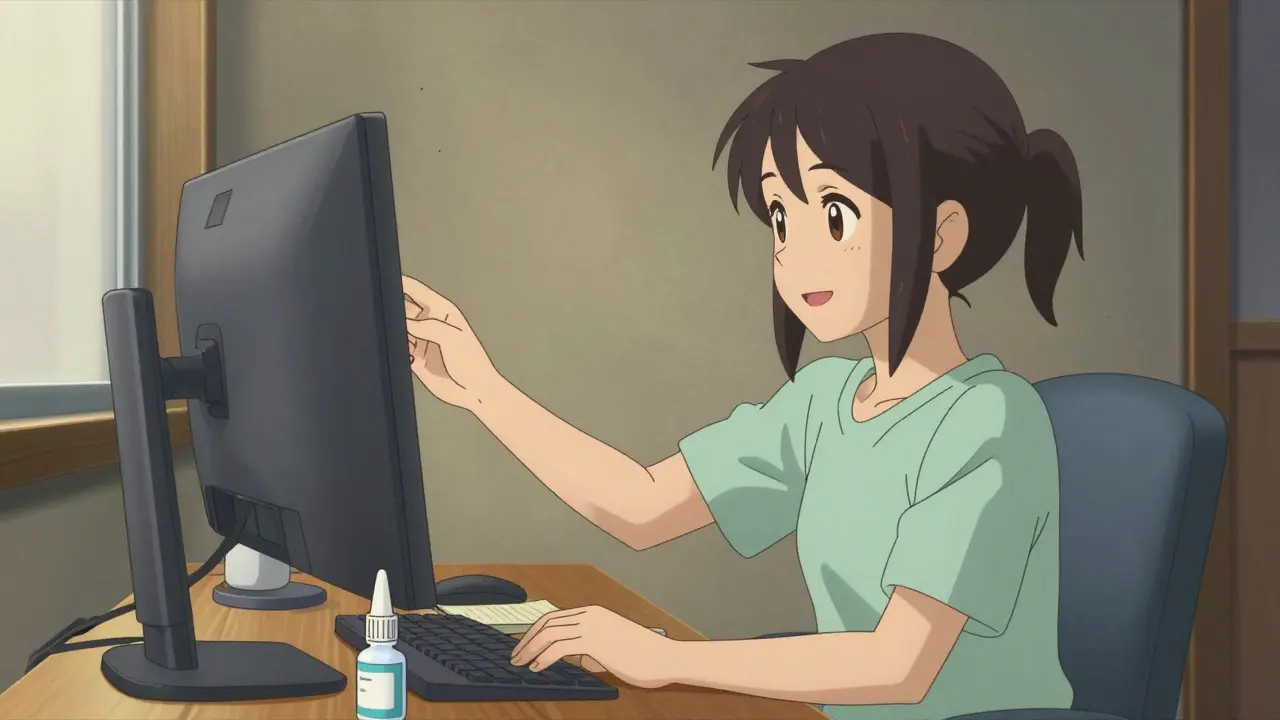
Since we blink less when using screens, our eyes dry out faster. Artificial tears are a cheap and effective solution. Look for preservative-free lubricating eye drops. Use them 2-4 times a day, especially if you feel grittiness or burning.
Cleveland Clinic data shows that 78% of patients report improvement within seven days of consistent use. Don't rely on drops that promise to "get the red out"-these often constrict blood vessels and can cause rebound redness. Stick to plain lubricants.
See Your Doctor
If you still have pain after trying these steps, you might have an underlying vision problem. About 70% of Computer Vision Syndrome cases involve uncorrected vision issues. An eye exam specifically for computer use can identify problems like astigmatism or convergence insufficiency.
The AOA recommends comprehensive eye exams every 12 months for regular computer users. Ask your optometrist about "computer glasses." These are prescription lenses optimized for the specific distance between your eyes and your screen, which is different from reading distance or driving distance.
Quick Checklist for Relief
- [ ] Set a timer for the 20-20-20 rule.
- [ ] Move your screen to arm's length (20-28 inches).
- [ ] Lower the top of your screen to eye level.
- [ ] Turn on Night Light/Night Shift in the evening.
- [ ] Buy preservative-free artificial tears.
- [ ] Schedule an eye exam if symptoms persist.
Your eyes are not machines. They need rest, proper positioning, and moisture. By making these small adjustments, you can turn off the strain and get back to work comfortably.
How long does it take for digital eye strain to go away?
Symptoms usually improve within a few days to a week after implementing changes like the 20-20-20 rule and ergonomic adjustments. For chronic cases involving uncorrected vision, it may take longer until you get the right prescription. If pain persists beyond two weeks despite lifestyle changes, see an eye doctor.
Are blue light glasses worth buying?
They may help some people, particularly those with severe dry eye, but scientific evidence is mixed. Many experts say they offer minimal benefit over standard anti-reflective coatings. Try free methods like screen dimming and breaks first before spending money on glasses.
What is the best distance for my computer screen?
Your screen should be about an arm's length away, which is typically 20 to 28 inches (50-70 cm) from your eyes. This distance reduces the focusing effort required by your eye muscles.
Can digital eye strain cause permanent damage?
No, Computer Vision Syndrome causes temporary discomfort and fatigue. It does not cause permanent structural damage to the eye. However, ignoring it can lead to chronic headaches and reduced productivity.
Should I use eye drops for dry eyes from screen use?
Yes, preservative-free artificial tears are highly recommended. Since screen users blink 66% less, their eyes dry out quickly. Use lubricating drops 2-4 times a day for relief. Avoid drops that claim to whiten the eyes, as these can irritate them further.